ConfigCraft Pro · 3D included

3D configurator for WooCommerce.

ConfigCraft Pro connects a prepared 3D model to WooCommerce product options. Let customers explore materials, finishes and authored variants while your configured pricing rules calculate the total.

NUVORA · ConfigCraft Pro 3D
NUVORA · Modular Included in ConfigCraft Pro · Real interface screenshots. Create your own scene with a prepared model, product options and an active Pro licence.

Scene Studio

Seven ways to set the scene.

Scene Studio brings product, options and presentation together: choose a preset, adjust colours and panels, and connect materials, variants and components to customer choices. Editorial also demonstrates a layered 2D configuration.

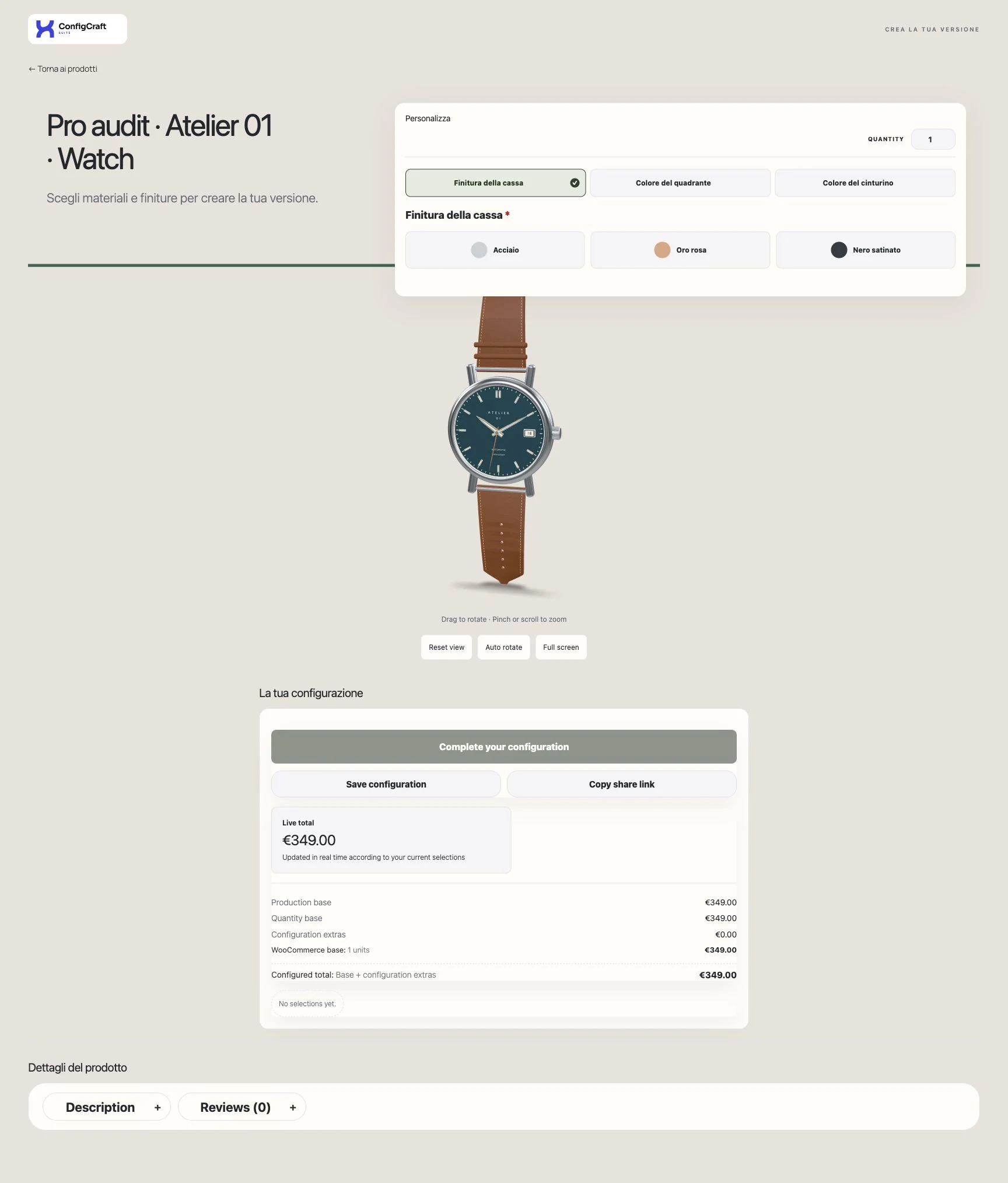
  • Light Studio · ConfigCraft Pro

    Light Studio

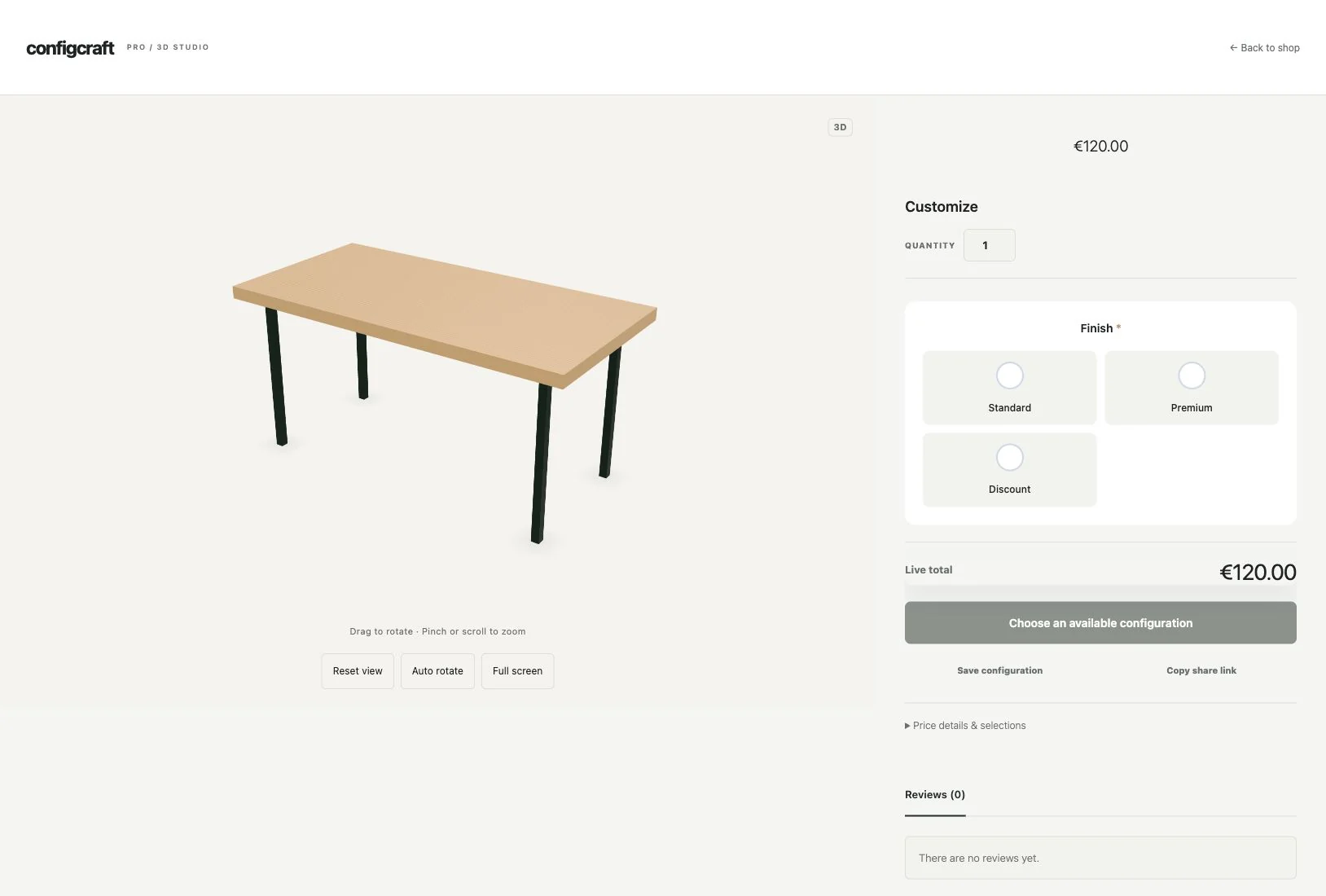
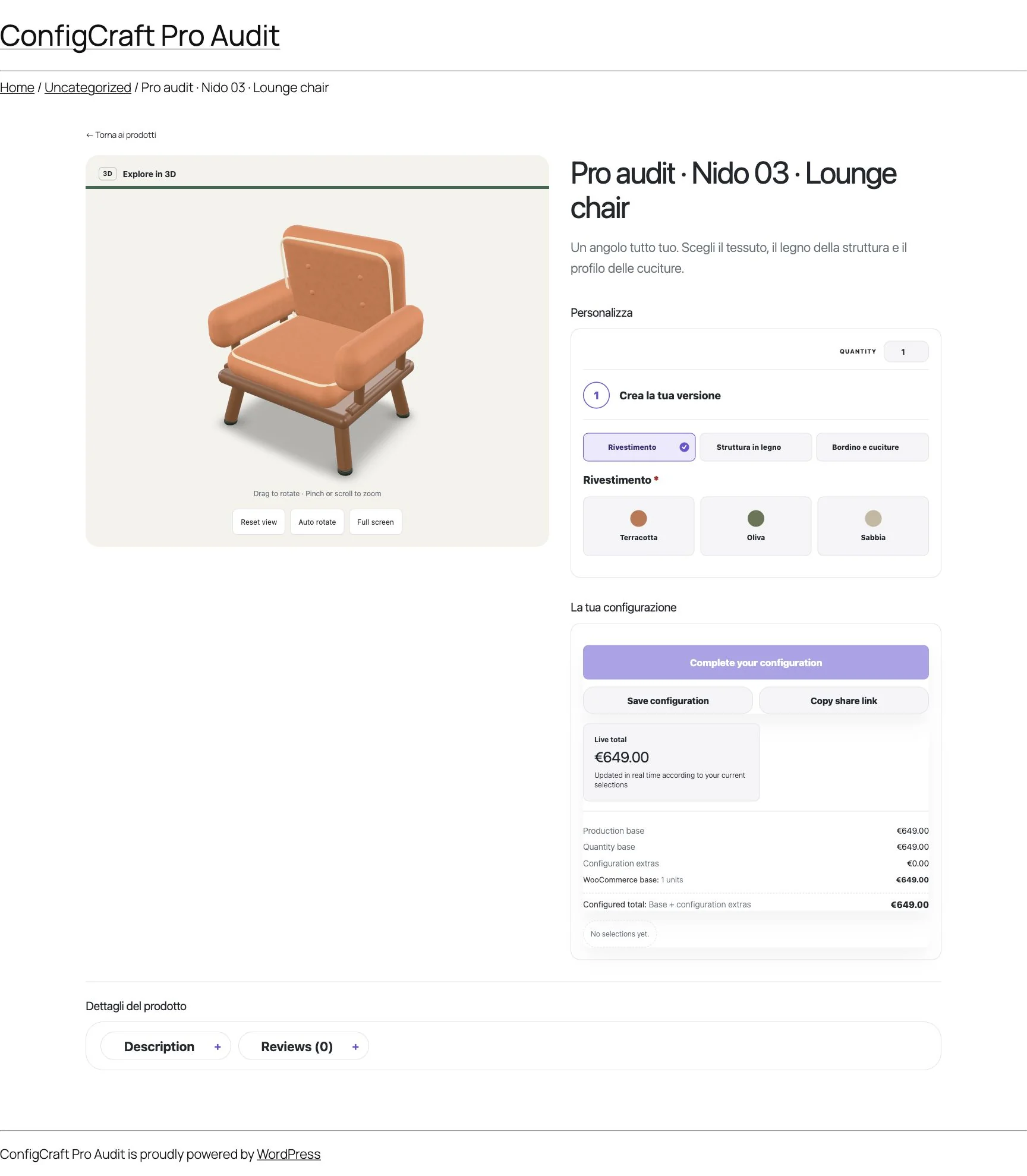
    Model and choices side by side, with light panels. A starting point for furniture and products with several finishes.

  • Immersive · ConfigCraft Pro

    Immersive

    A large visual with the choice panel overlaid. The product remains central to the presentation.

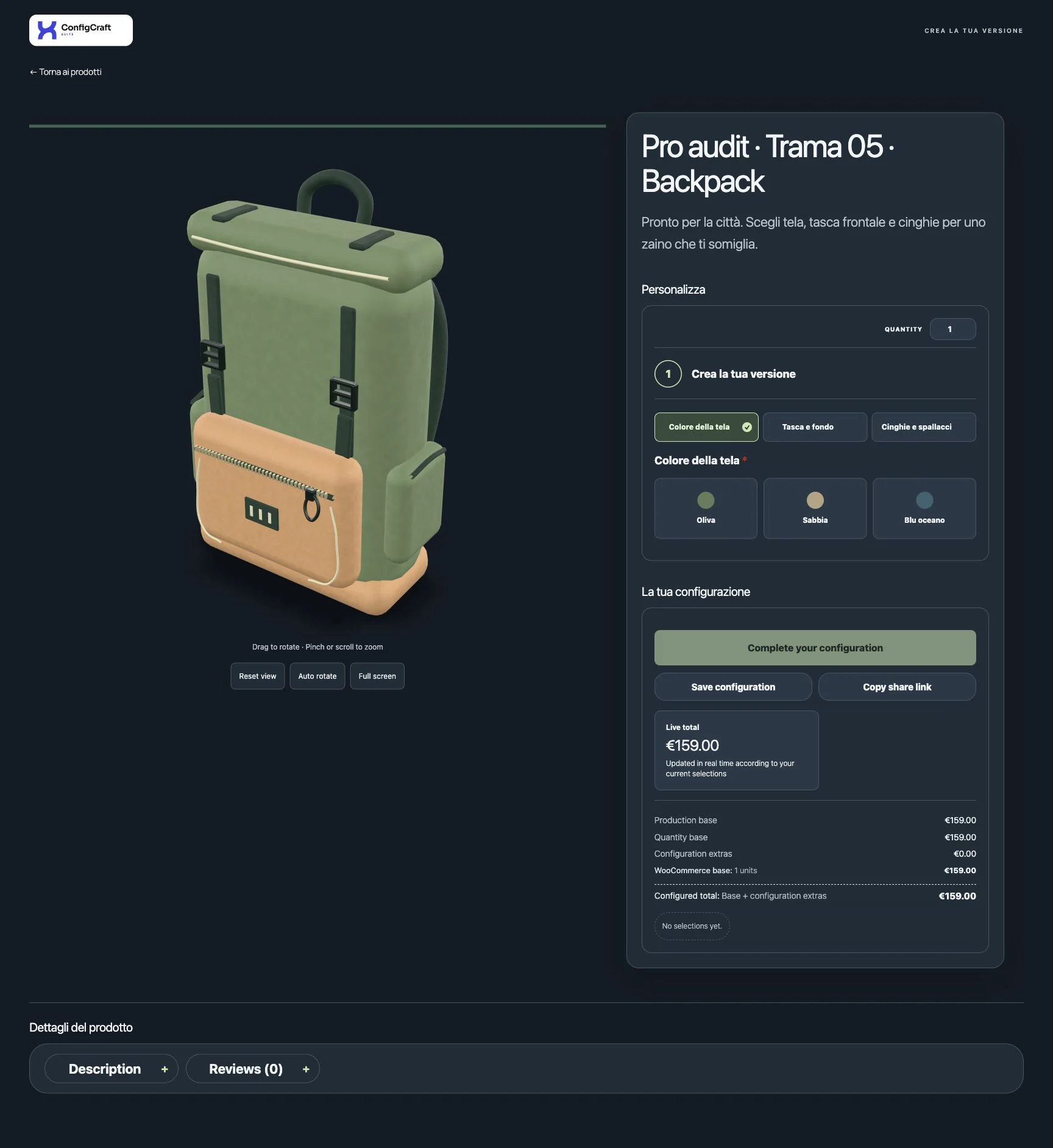
  • Night · ConfigCraft Pro

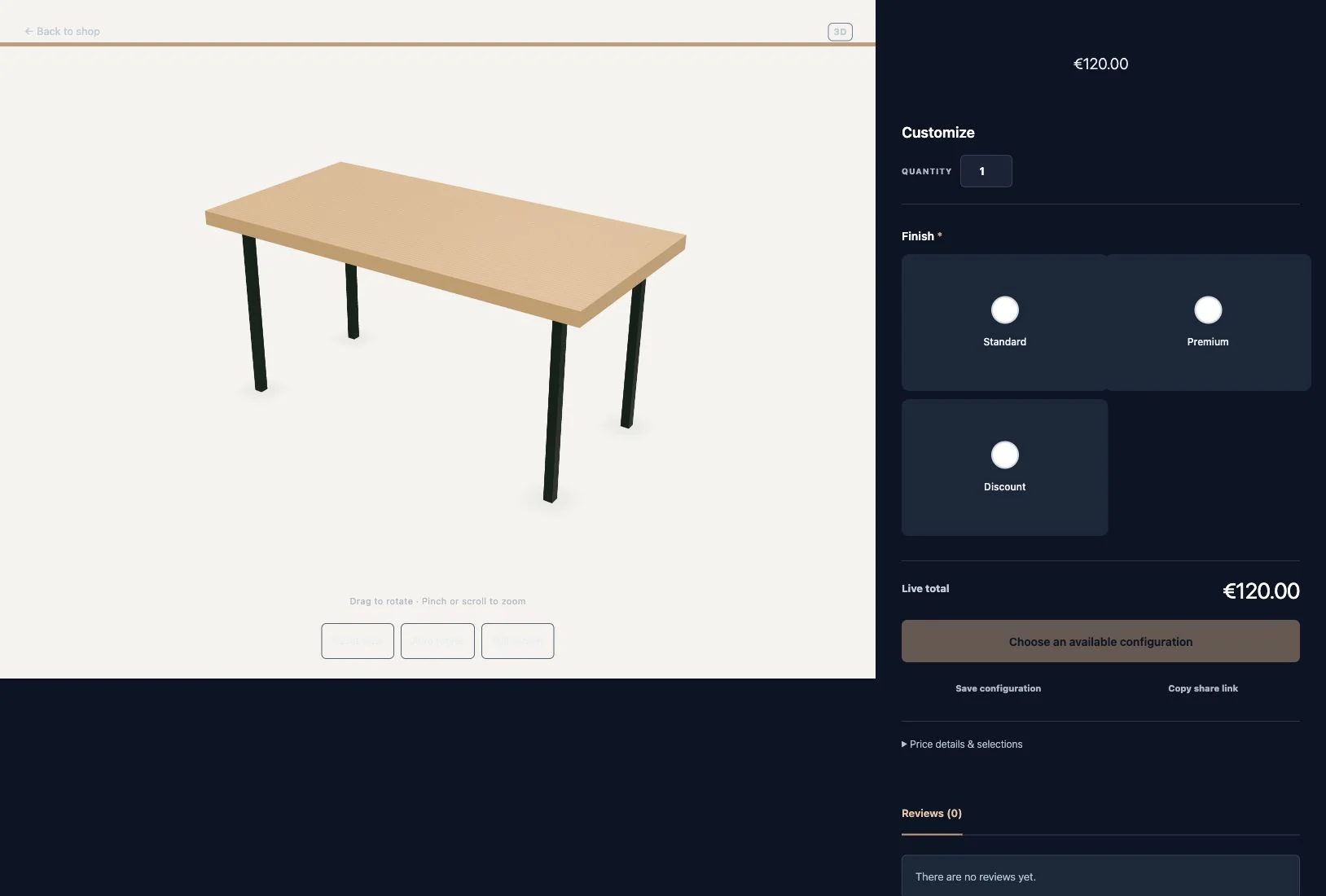
    Night

    A dark scene and floating panel. Page, option and button colours can be adjusted within the project.

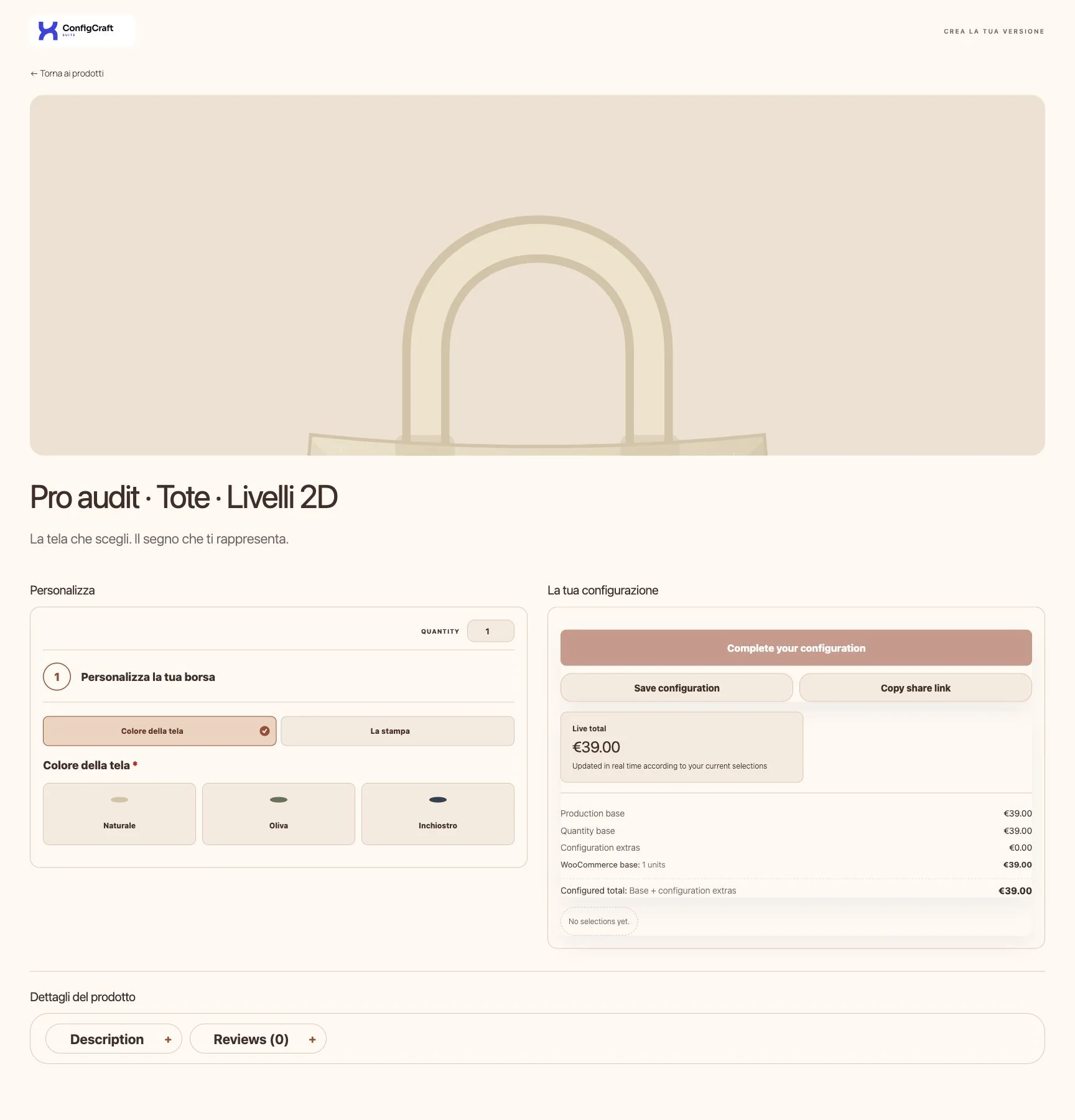
  • Editorial · ConfigCraft Pro

    Editorial

    Visual first, with configuration and purchase below. The tote shown is a layered 2D example, not a 3D model.

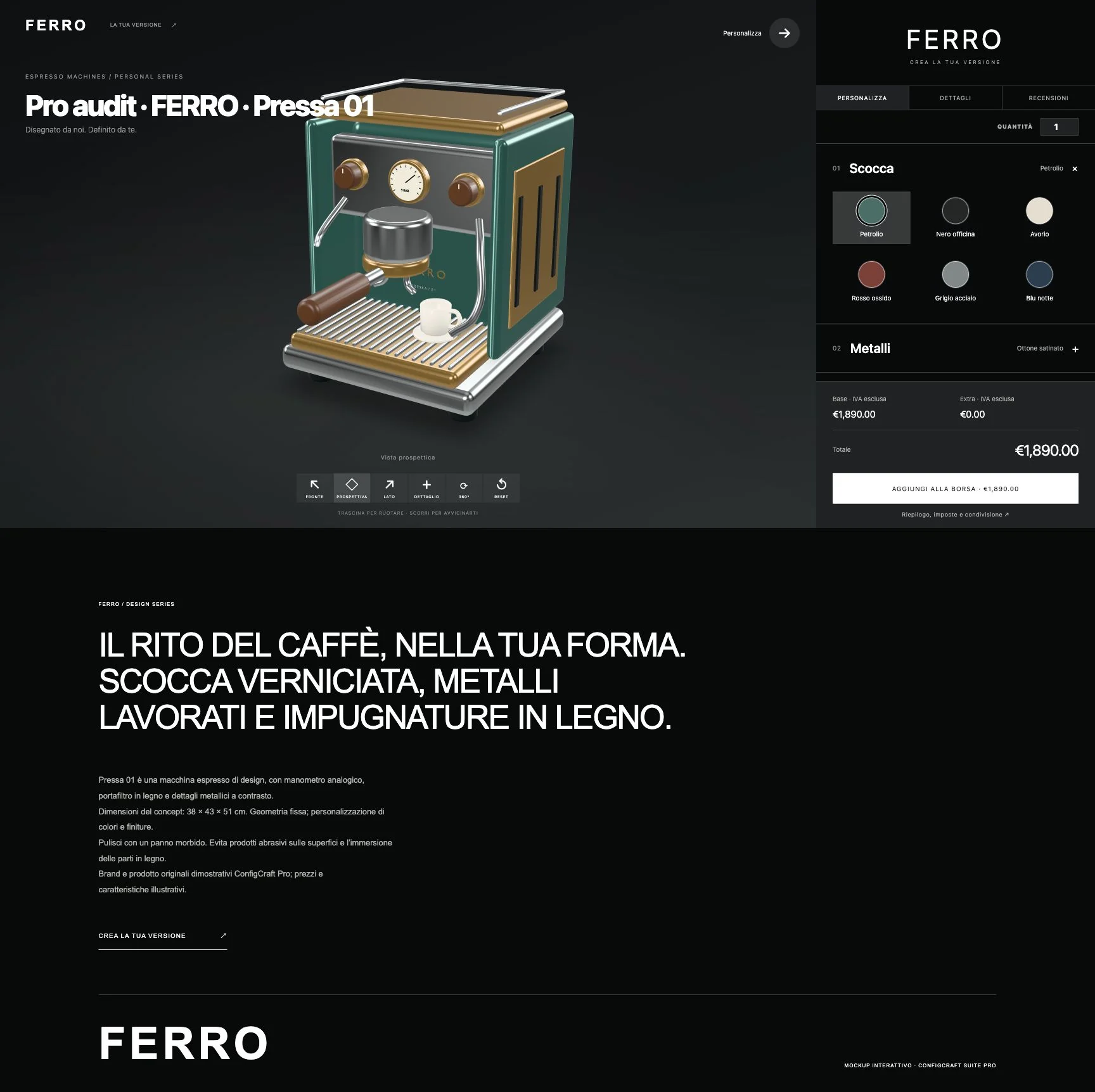
  • FERRO · Workshop · ConfigCraft Pro

    FERRO · Workshop

    A dark showcase with camera views and a collapsible side panel. Product details and reviews remain accessible.

  • SÉLVE · Maison · ConfigCraft Pro

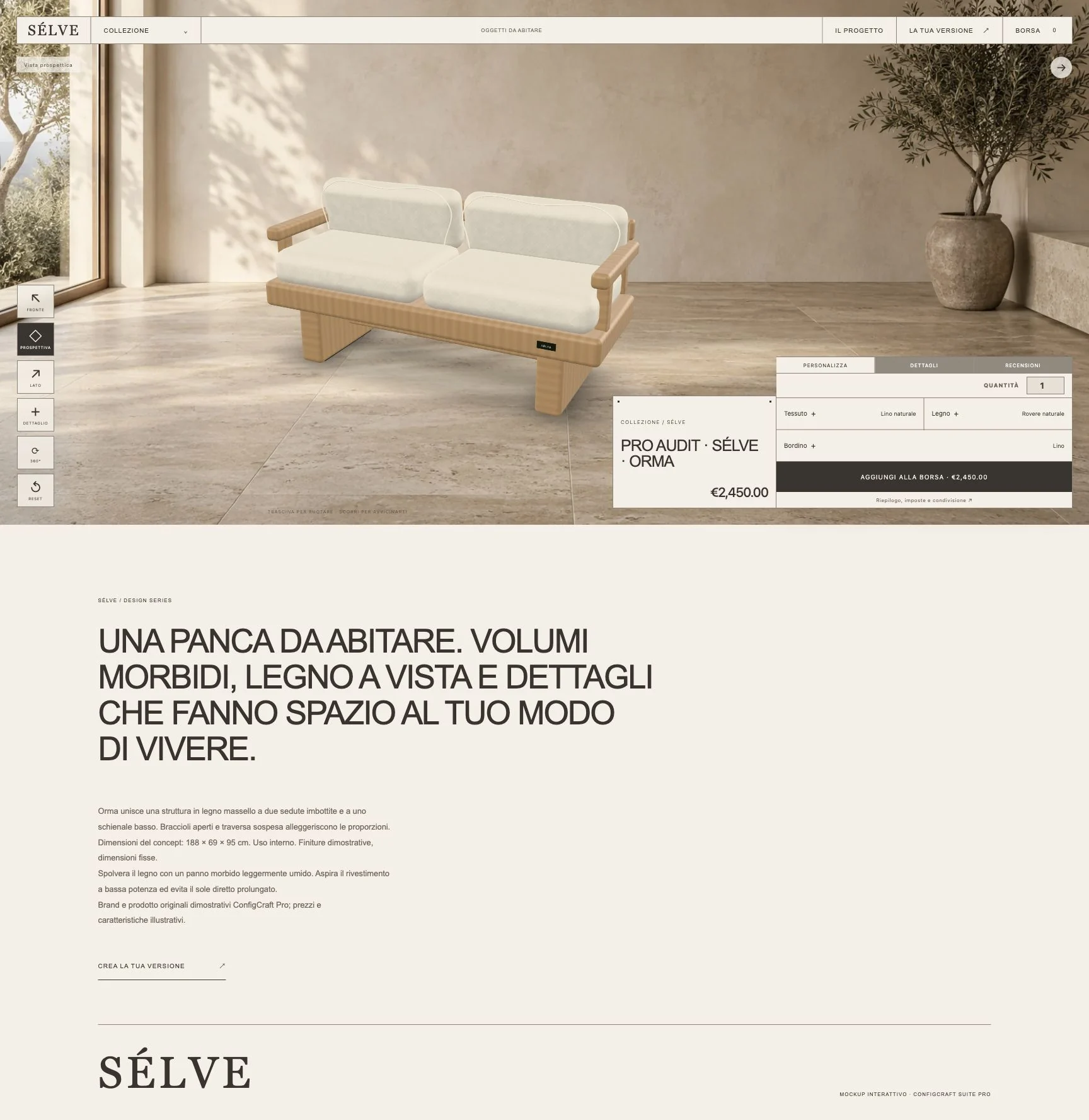
    SÉLVE · Maison

    A light composition with fine frames and lower-right customization for a restrained product presentation.

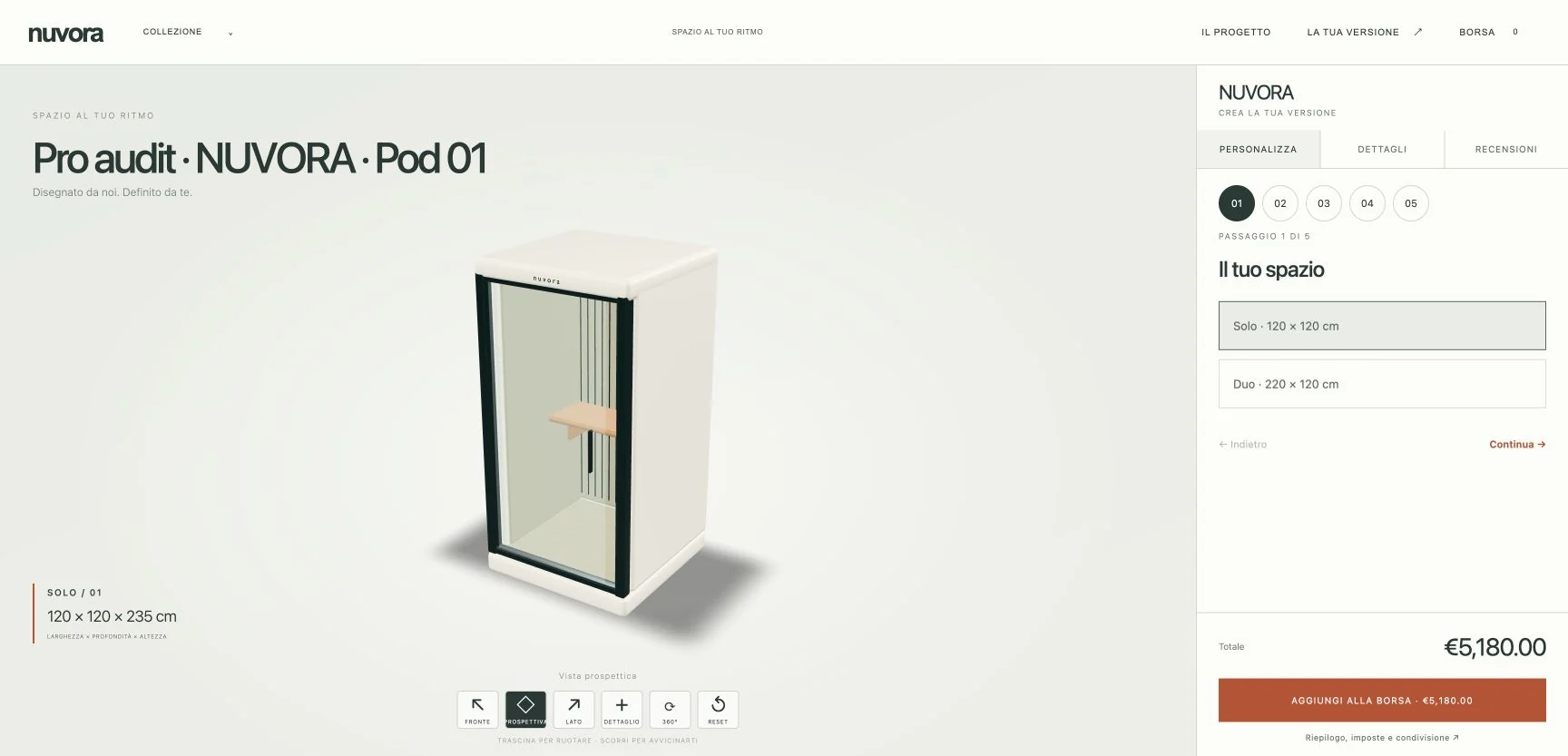
  • NUVORA · Modular · ConfigCraft Pro

    NUVORA · Modular

    Guided steps and optional components. The demonstration model includes two prepared sizes, Solo and Duo.

3D layouts

Six layouts for your configurator.

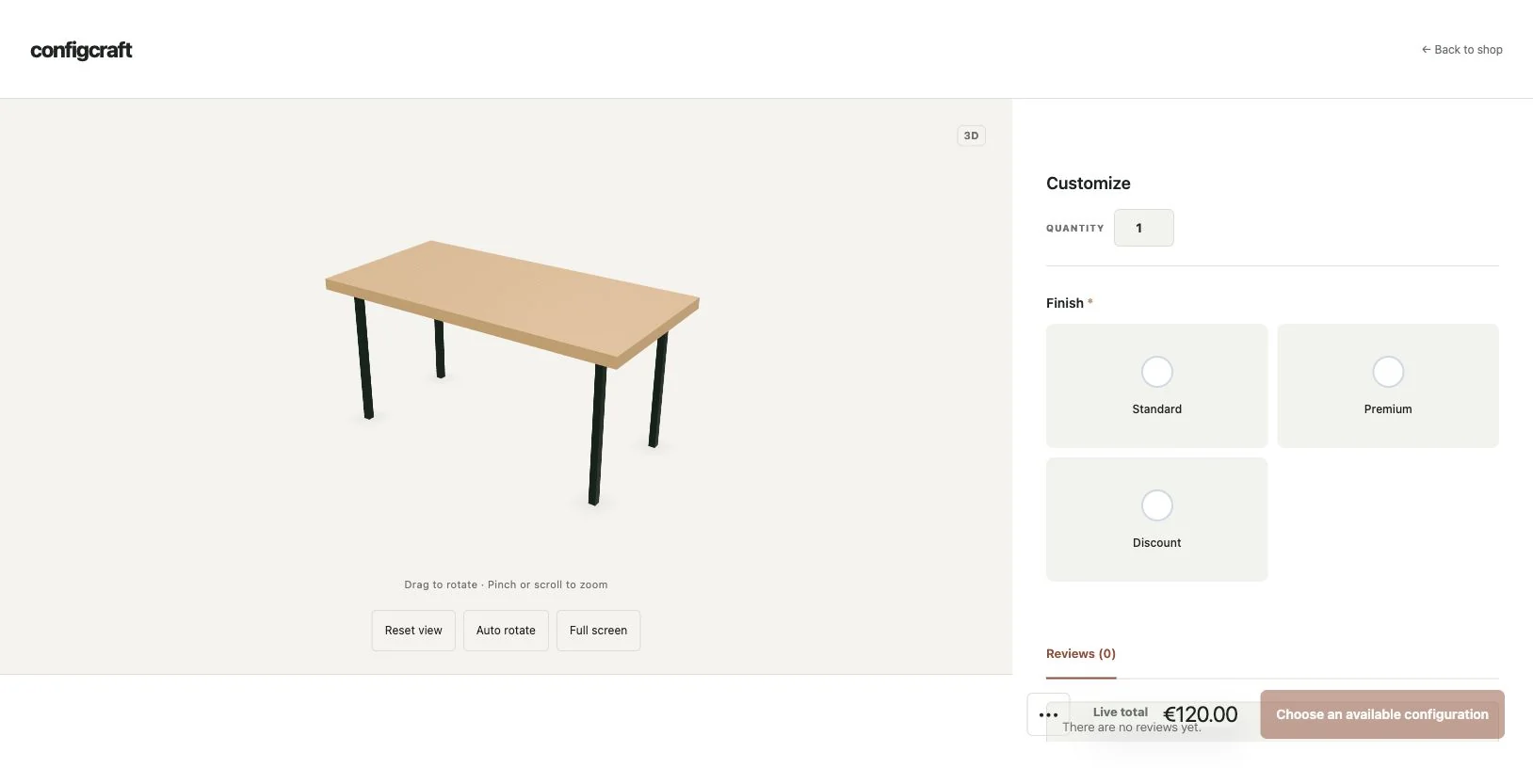
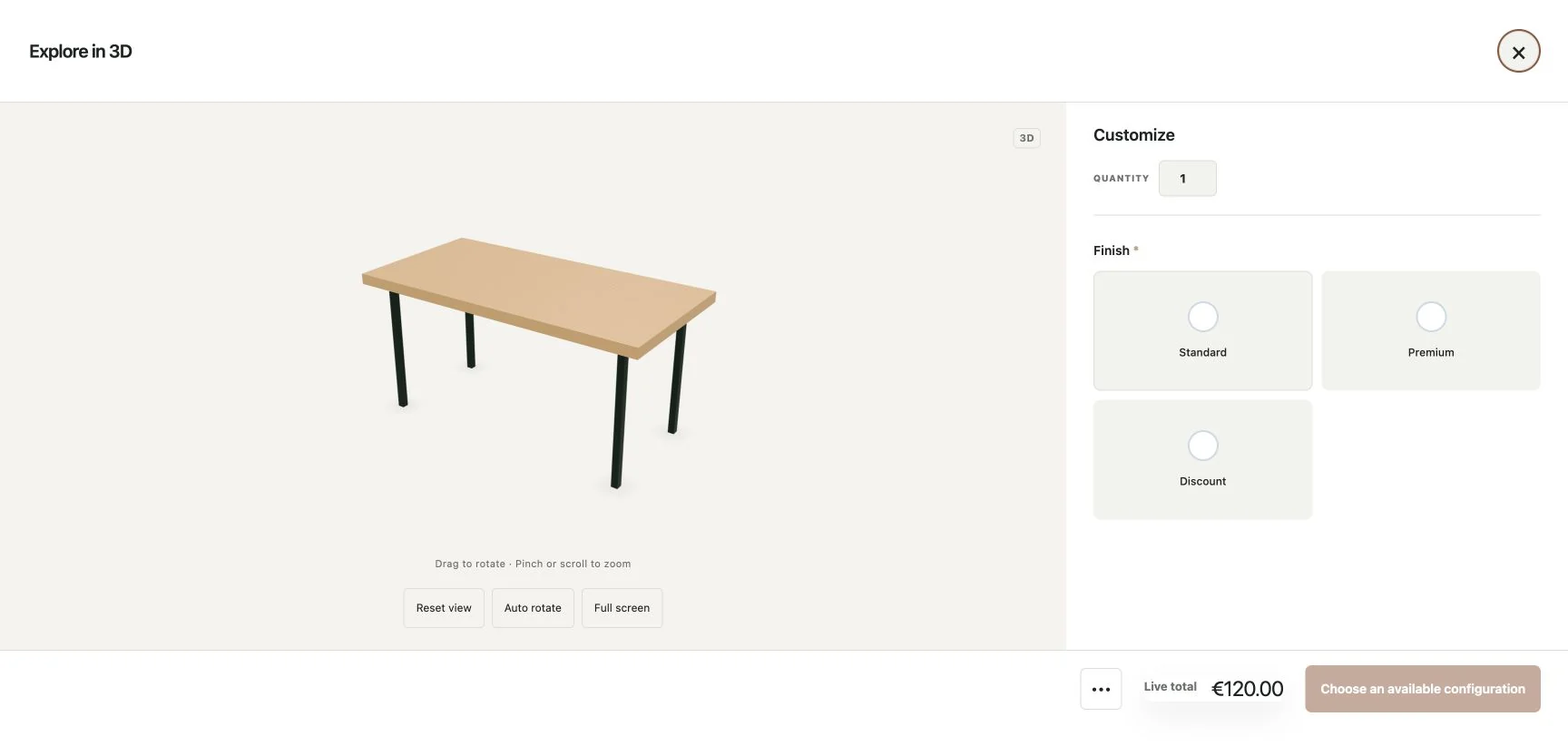
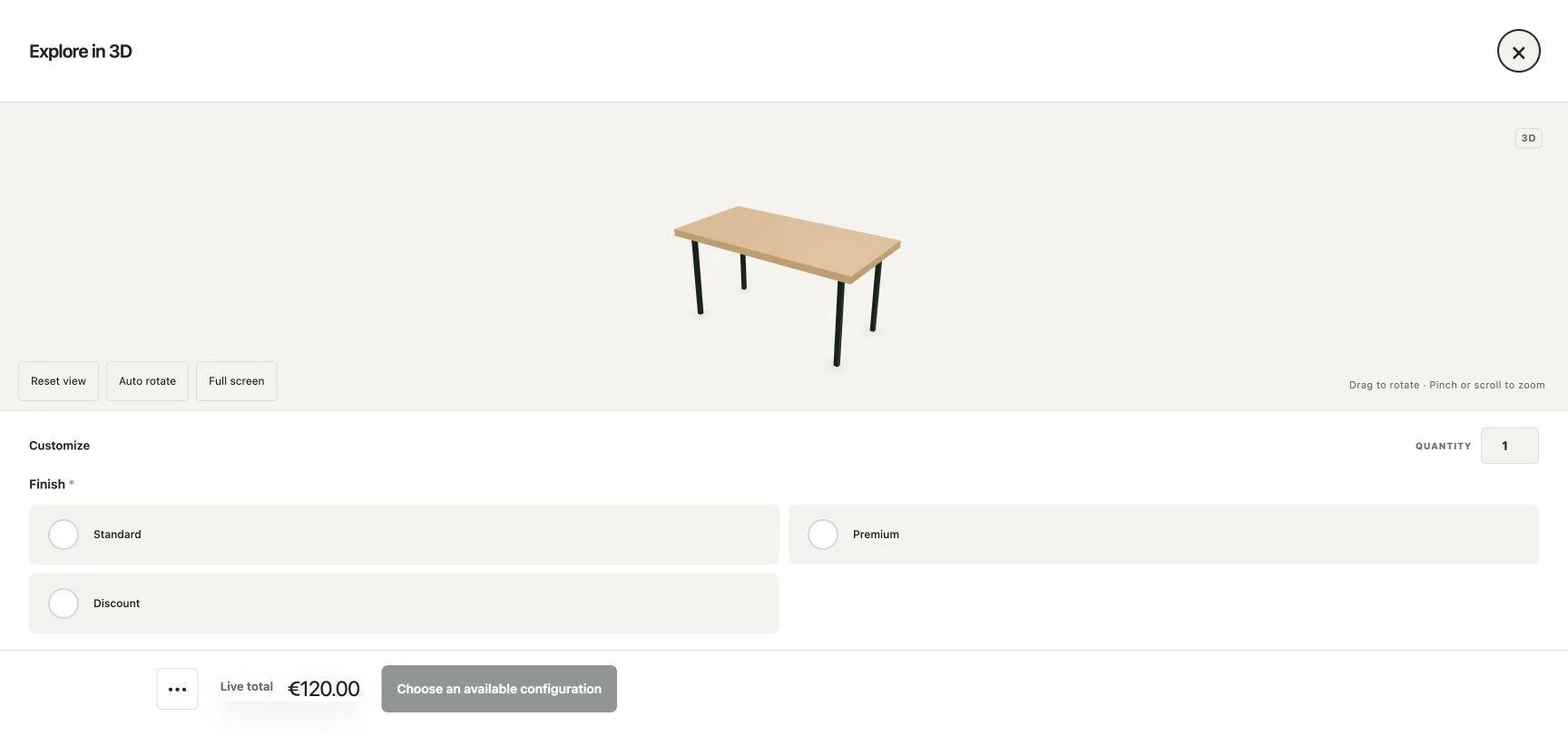
All six layouts are included in Pro. Enable 3D in your template and choose where the model and options appear: within the page, full screen or in a popup. Every screenshot shows a real interface.

  • Inline preview · ConfigCraft Pro

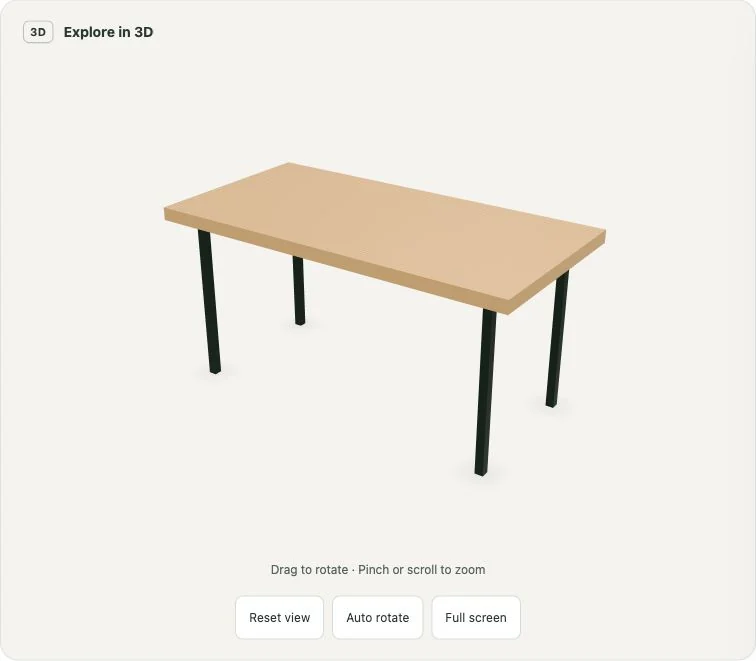
    Inline preview

    The viewer sits within the normal product page flow. Useful for adding 3D to an existing template.

  • Studio · ConfigCraft Pro

    Studio

    Model on the left and options on the right on desktop, using the configurator’s existing choices and controls.

  • Full · Product showcase · ConfigCraft Pro

    Full · Product showcase

    A large model and option cards to the side for comparing materials and finishes.

  • Stepper · ConfigCraft Pro

    Stepper

    Guided navigation through choices, with progression and purchase controls.

  • Vertical popup · ConfigCraft Pro

    Vertical popup

    Configuration opens in a full-screen dialog with model and options side by side.

  • Horizontal popup · ConfigCraft Pro

    Horizontal popup

    Model above a horizontal option tray. Closing and reopening preserves the session’s choices.

Before you start.

Which plan includes 3D?

ConfigCraft Pro includes the 3D viewer, six template layouts and Scene Studio with seven presets. Choose Pro in the plan builder, or Suite, which includes Pro, Quote and Production. Quote and Production are separate modules and are not required for 3D. Activate your Pro licence and enable 3D for the product or template.

What do I need to install?

Use WordPress 6.2 or later, PHP 8.0 or later, active WooCommerce and DestinX Product Configurator for WooCommerce 0.9.28.3 or later, plus the current Pro package and an active Pro licence. Scene Studio creates and manages simple WooCommerce products. Test your final theme, browser and mobile experience before launch.

What can Scene Studio do?

Start from an included example or your own model. Edit product information, option groups and surcharges, choose a scene preset, adjust colours and panels, inspect model parts and materials, and map choices to material appearance, authored variants or optional component visibility. Save the scene and its linked product together.

Can I use my own model?

Yes. Upload a glTF 2.0 GLB with geometry and textures embedded, or use a hosted GLB/glTF URL with accessible resources. Prepare separate materials for areas that must change independently. GLB uploads are limited to 50 MiB, or a lower server limit. External hosting must allow CORS and HTTPS access from your store.

Do options change the price?

Model appearance and pricing are configured separately. Map colours, metallic finishes, roughness, variants or component visibility to product options, then set the corresponding charges and pricing rules. Customers can rotate and zoom the model while choosing options; check the selected configuration and totals in the cart.

Can NUVORA use any size?

The included demonstration model contains two prepared sizes, Solo and Duo, with optional components. Choices show authored geometry and hide or reveal prepared parts. The current release does not generate models from photographs, rebuild geometry from arbitrary dimensions or provide an AR or artwork-projection editor.

How do I download Pro?

Choose Pro or Suite and your site licence tier in the plan builder. After payment is confirmed, the purchased packages and licence details are available in My Account. If you already own Pro, check your account downloads and install the compatible Free core before updating Pro.

Which products suit a 3D configurator?

Products with visual choices such as materials, finishes, authored sizes or optional components. For example, a furniture product can show prepared fabric and leg options. If customers only need quantities, text or file uploads, start with the Free core and add Pro when advanced pricing or 3D is useful.

3D guides · EN / IT

From model to configurable product.

1 November 2026 edition, updated for Pro 0.2.15. GLB preparation, Scene Studio, materials, variants and components, with screenshots of all seven presets and six template layouts. Includes installation, licensing and pre-publish checks.